Join us on Discord













Keep Lovable in sync when you edit in another tool
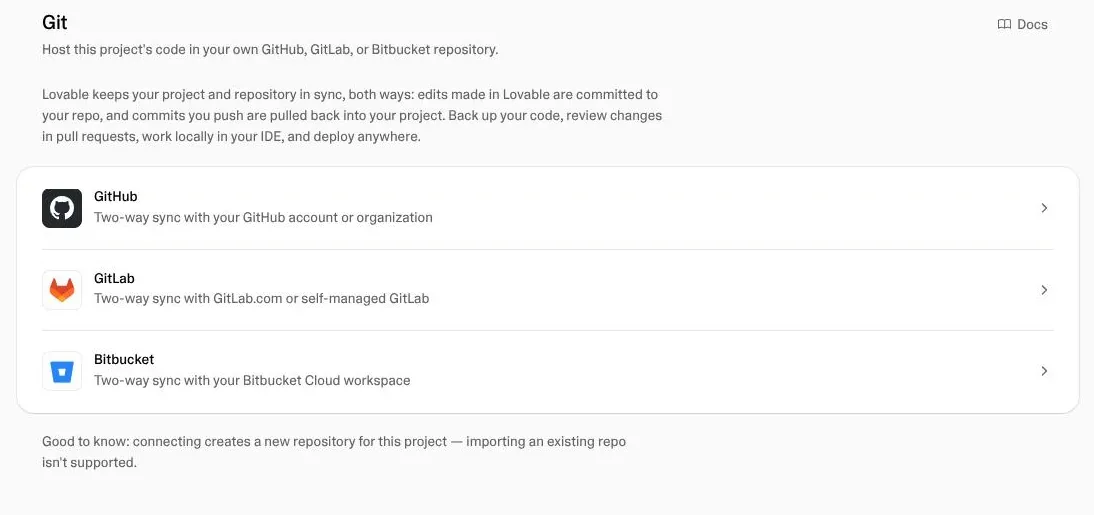
You do not have to choose. Lovable syncs with GitHub both ways, so you can work in Lovable on some days and in Cursor, Claude Code or Codex on others. It works as long as you follow one rule: never edit in both at the same time.
How the sync works
Changes you make in Lovable go to GitHub. Changes pushed to the branch Lovable syncs come back into Lovable. Lovable syncs one branch, usually main. Commits on other branches do not reach it.

The routine
- Pull before you start in your AI tool.
- Commit and push when you finish.
- Do not edit in Lovable and the other tool at the same time.
Before you start, paste this into your AI tool:
Pull the latest changes from GitHub.
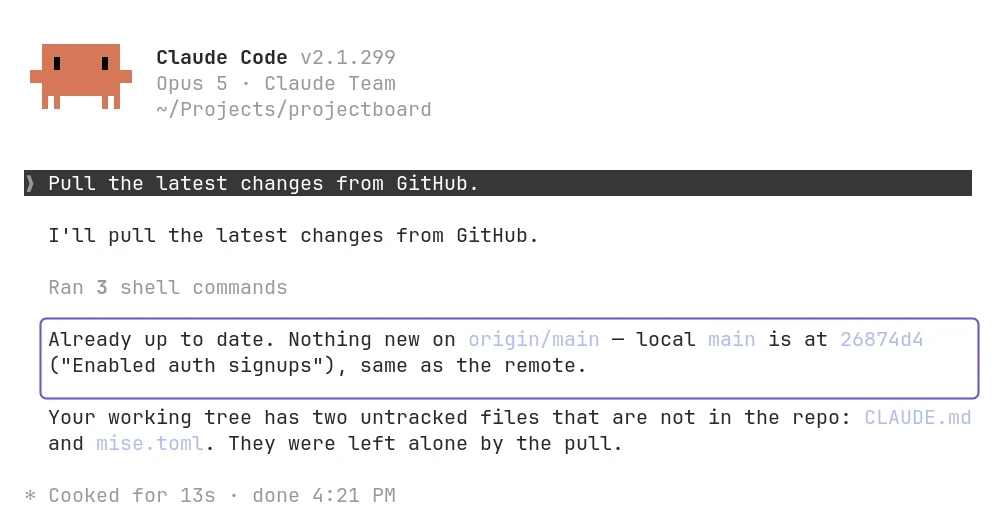
Test it once
Paste this into your AI tool:
Pull the latest changes from GitHub. Then add one test line at the end of README.md, commit it with the message "Test sync" and push.
Open the project in Lovable. You should see the change you just pushed.
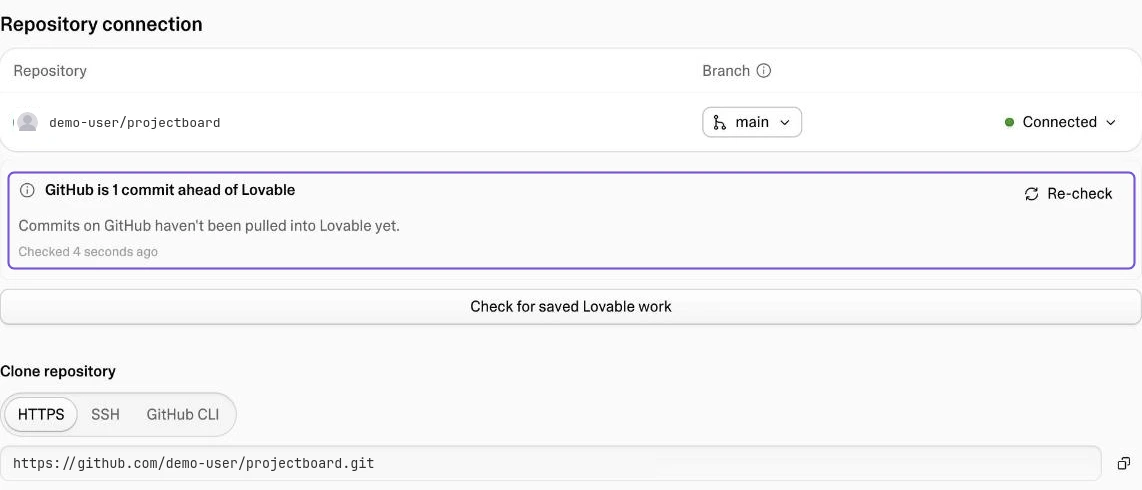
If you edited in both
Lovable's docs say what happens: the Git settings show that Lovable and GitHub have diverged. Lovable puts its own changes on a separate branch called lovable-sync, and the next sync from GitHub replaces Lovable's version.
Where your live app runs
If you also host the app somewhere else, Lovable still publishes its own copy. Your live app is the one on your new host. Changes you make in Lovable reach it with the next deploy.
When you stop using Lovable
Turn off the GitHub sync in Lovable so it cannot overwrite your work. Lovable's docs say the repository stays on GitHub with all its history. Keep the Lovable app published until the app runs somewhere else.