


 Join us on Discord













Should you leave Lovable for Claude Code?
Claude Code is not a hosting service and it does not replace Lovable one to one. It is a way to keep working on the same app from your own computer. This article explains what changes, what stays and when the move makes sense.
Why people leave Lovable
Lovable is fast at the start. You describe the app and it appears. The friction comes later: a change the editor cannot make, a bug you cannot see, a bill that grows with every prompt. At that point people want the code in a normal project they control.
Claude Code gives you that. You keep an AI that edits the code for you, but the code lives in a folder on your computer and in a GitHub repository you own.
What Claude Code is, and what it is not
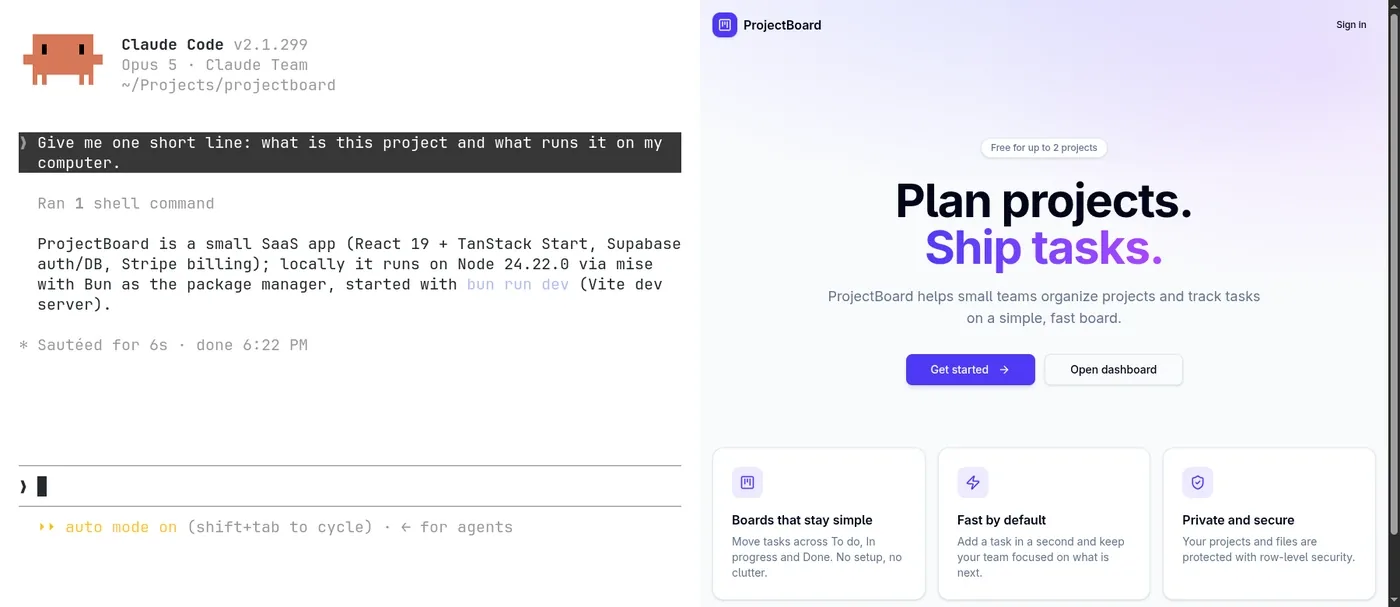
Claude Code works on your project in a terminal, in the Code tab of the Claude desktop app, in your code editor or in the browser. You describe a change, it edits the files and you review the result. It does not host the app or run a database. The desktop app can show a live preview of your app, but there is no visual editor: every change goes through code.
- It edits code. Hosting is a separate decision.
- It works with any editor. Cursor, VS Code or none at all.
- It reads a CLAUDE.md file at the start of every session, so you can tell it how the project works.
Side by side
| Lovable | Claude Code | |
|---|---|---|
| What it is | An app builder in the browser | A coding agent from Anthropic |
| Where it runs | In the browser | The Claude app, the terminal, your code editor or the browser |
| Where the code lives | In Lovable, synced to GitHub | In a folder on your computer and in your GitHub repo |
| Hosting | Included, at a lovable.app address | Not included. You pick a host |
| Backend | Lovable Cloud (built on Supabase) or your own Supabase | None. You keep the backend you have |
| Notes for the AI | Project knowledge in the settings, or AGENTS.md in the repo | CLAUDE.md |
| Price | Free plan with daily credits. Pro $25 a month, or $21 billed yearly | A Claude plan, Pro $20 a month or $17 billed yearly, or API credits. No free plan |
Prices checked on 14 October 2026. Both change often, so check the pricing pages before you decide.
What you keep
- The full code. Lovable projects are React and Tailwind, on Vite (older apps) or TanStack Start (apps made since May 2026).
- Your own Supabase backend, if the app has one. It keeps running. Your app just points at it from a new place.
- The GitHub connection, if you already had one.
- Your custom domain.
What changes
- No visual editor. Every change goes through code, even if Claude Code writes it.
- You run the app yourself, locally and on a host you pick.
- Secrets move to your host and to Supabase. The .env file in the repo only holds public values.
- Deploys are your job. A host like Vercel or Cloudflare deploys every push to GitHub, which replaces the Publish button.
Where the database goes
If the app uses your own Supabase project, the database does not move. Supabase is a separate service and Lovable only connects to it. After the move your local app connects to the same project with the same keys. If Lovable set up the backend for you (Lovable Cloud), it lives inside Lovable. It can stay there while you keep Lovable, and it has to move to a Supabase project you own when you leave.
How long it takes
Between 6 and 19 migration steps, depending on your app. A static site that stays on Lovable hosting is the short version. An app that leaves Lovable with its data, logins and domain is the long one. Plan 15 minutes to 1 hour.
When not to move
If you edit the app a few times a month and the visual editor does what you need, stay. The move pays off when you hit the limits of the editor, when the bill matters or when you want the code under version control for good.
Where to start
Export the code to GitHub first. Everything else builds on that. The step-by-step guide above asks a few questions about your app and gives you only the steps you need.