


 Join us on Discord












Move from Lovable to your own VPS, step by step
Move your Lovable code to your own GitHub repository and run the app on your own server with PanelAlpha Engine. You keep building with Claude Code, Codex or Cursor. The steps follow your app, including the database if needed.
What you'll do during the migration
Your migration is split into four stages, with step-by-step instructions, detailed explanations and practical examples.
Your setup
Pick your AI tool and tell us what your app uses.
Preparation
Get GitHub, Node.js, your AI tool and a new VPS ready, plus anything else your app needs.
Migration
Follow 9 to 19 steps, depending on your app. Each shows you what to do and how to check it worked.

- Push the project to GitHubConnect the Lovable project to GitHub and let Lovable create the repository.

- Get your code onto your computerCopy the private repository to a folder on your computer.
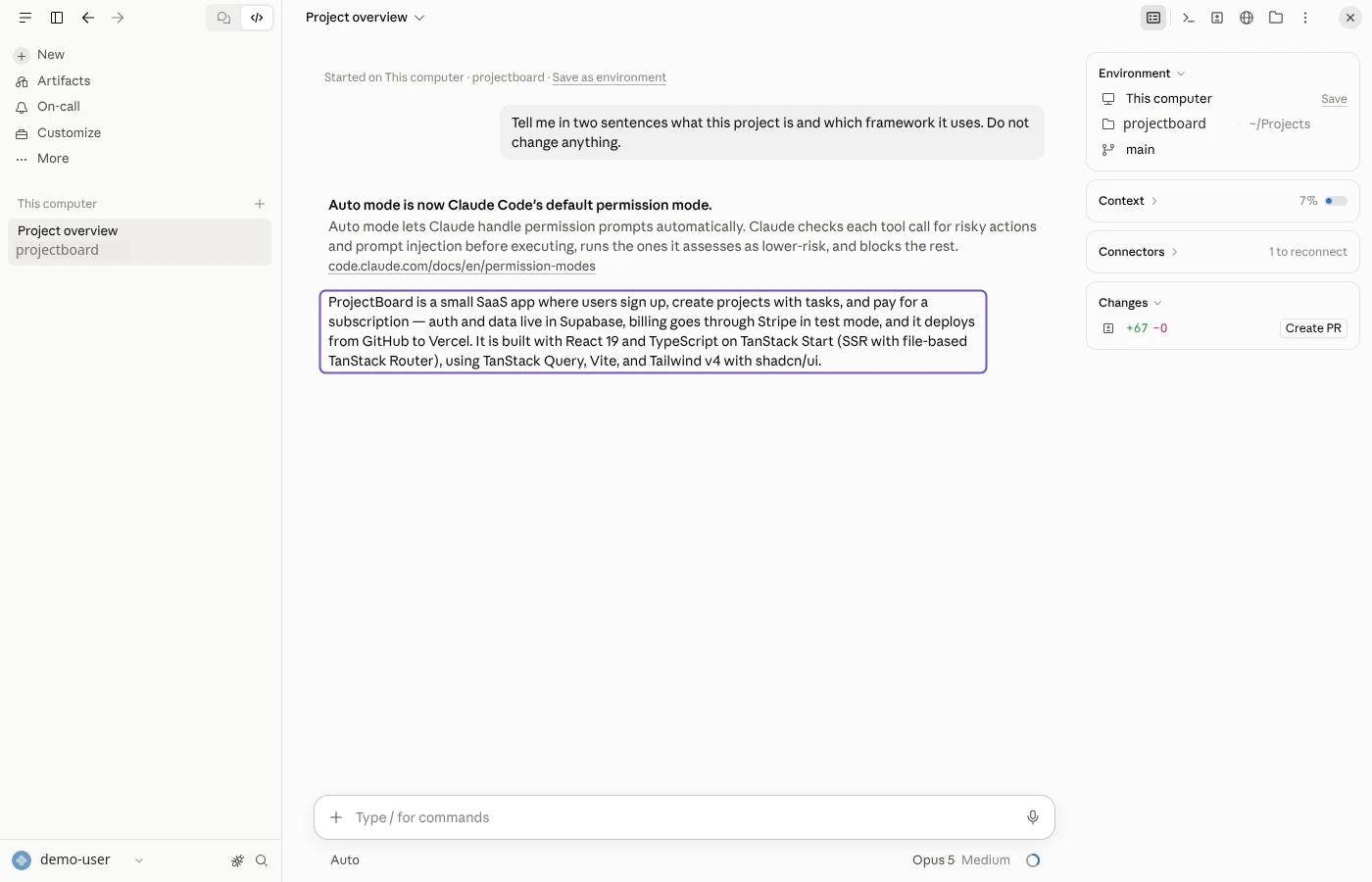
- Open the project in the Claude appOpen the project folder in the Code tab of the Claude app.
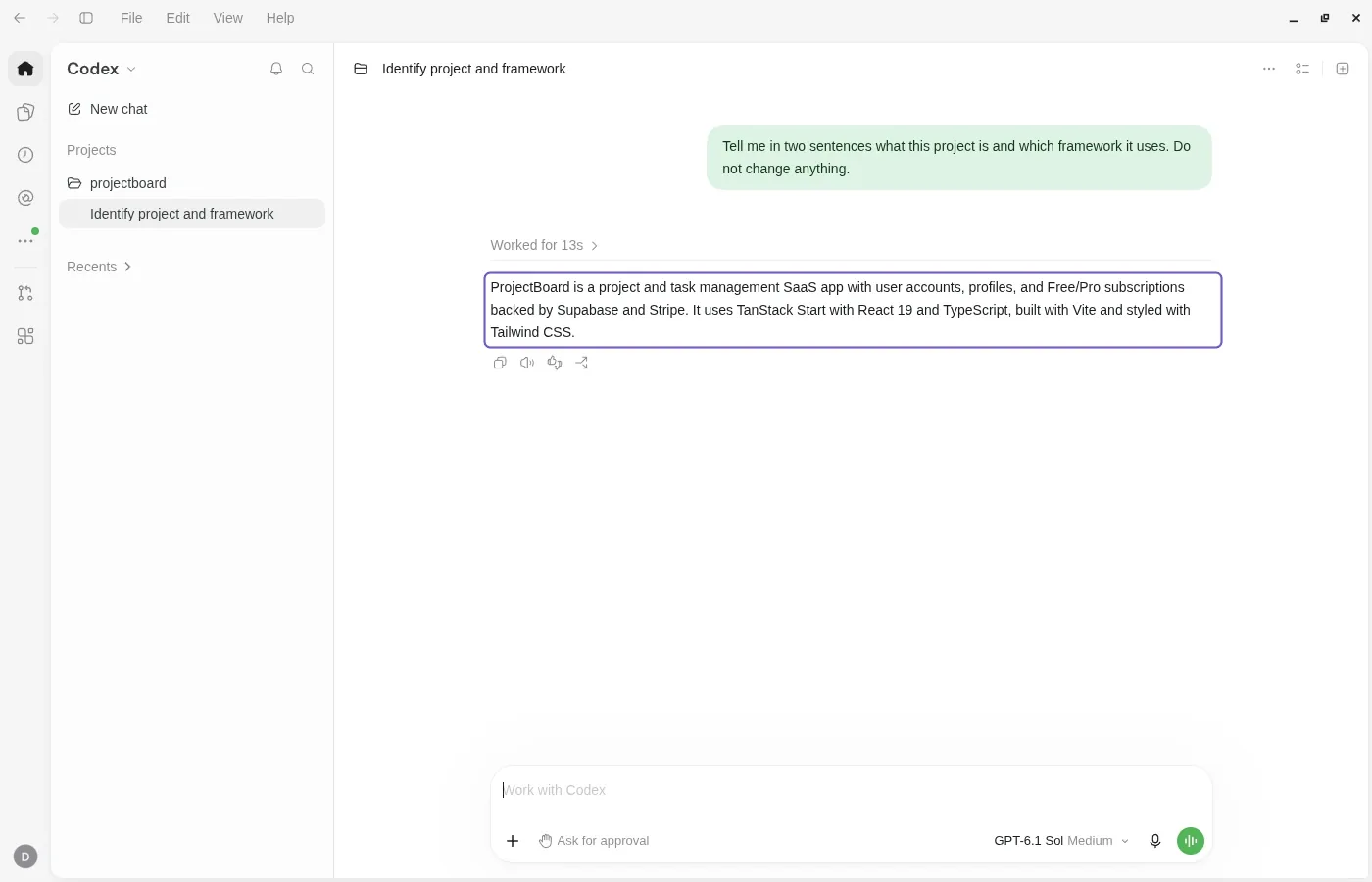
- Open the project in the Codex appAdd the project folder to the Codex app and start a thread in it.
- Open the project in CursorOpen the project folder in Cursor and start the Agent chat.
- Run your app on your computerInstall what the app needs and start it on your computer.
- Open the project in Claude CodeStart Claude Code in the project folder in a terminal.
- Open the project in CodexStart Codex in the project folder in a terminal.
- Back up your databaseMake a copy of your Supabase database before you change anything.
- Check where your backend runsFind out if the app uses its own Supabase project or Lovable Cloud.
- Set up your own Supabase projectCreate a Supabase project you own for the backend that leaves Lovable Cloud.
- Move your databaseCreate your tables in the new project and copy the data from Lovable Cloud.
- Move user accountsUser accounts move with the database. Users keep their passwords and only sign in again.
- Copy uploaded filesCreate the same storage buckets and copy the uploaded files into them.
- Point the app at your new Supabase projectChange the address and the public key in the .env file to the new project.
- Set up your Supabase Edge FunctionsDeploy your edge functions with the Supabase CLI and add their secrets.
- Set up your AI and payment keysAdd the AI and payment keys your edge functions need. If the backend moves, move the payment webhook too.
- Keep secret keys out of .envCheck that the .env file holds only public values before you push it to GitHub.
- Tell Cursor about your projectCursor writes an AGENTS.md, a short note it reads at the start of every session.
- Tell Claude Code about your projectClaude Code writes a CLAUDE.md, a short note it reads at the start of every session.
- Tell Codex about your projectCodex writes an AGENTS.md, a short note it reads at the start of every session.
- Send your changes to GitHubPush your changes so the new host builds the latest code.
- Run your app on your own serverYour AI tool deploys the app on your VPS through PanelAlpha Engine, with HTTPS.
- Deploy every push automaticallyAdd a GitHub webhook so every push deploys the app on your VPS.
- Make logins work on your new addressAdd the new address to the login settings, so logins do not send people back to Lovable.
- Point your domain to the new hostChange your domain's DNS records so the domain opens the new host.
- Keep your code in sync with LovablePull before you work and push when you finish, so Lovable and your AI tool stay in sync.
- Disconnect LovableTurn off the GitHub sync in Lovable so it cannot overwrite your work.
Final check
Test everything before switching. Your Lovable app stays online until you're ready.
What server you need
- A new VPS with nothing else on it, running Debian 12 or 13, or Ubuntu 22.04, 24.04 or 26.04.
- 2 GB of RAM or more and a public IPv4 address. A VPS like that costs about $5 to $15 a month.
- Root access over SSH. Most hosting companies also have a console in the browser.
- Nothing else. PanelAlpha Engine builds and runs the app and gives it an address with HTTPS.
- Your domain, if the app should run on it. You point it to the server at the end.
What the steps look like
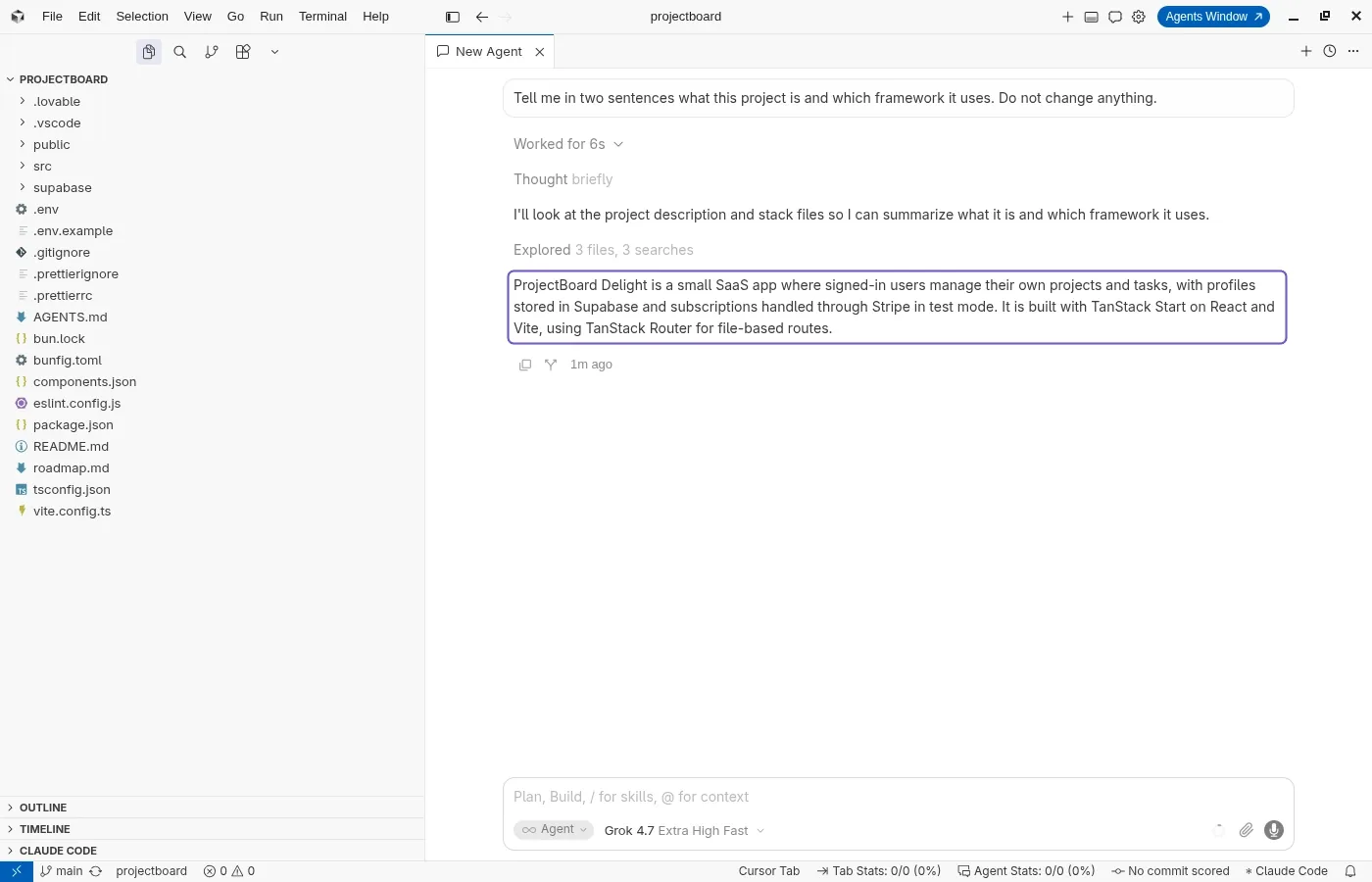

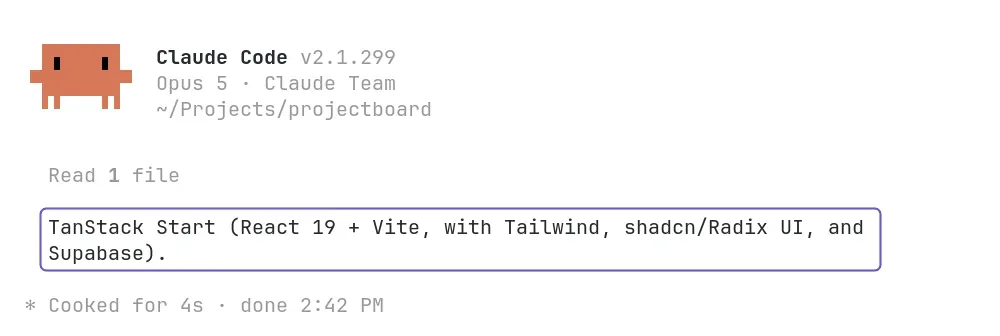
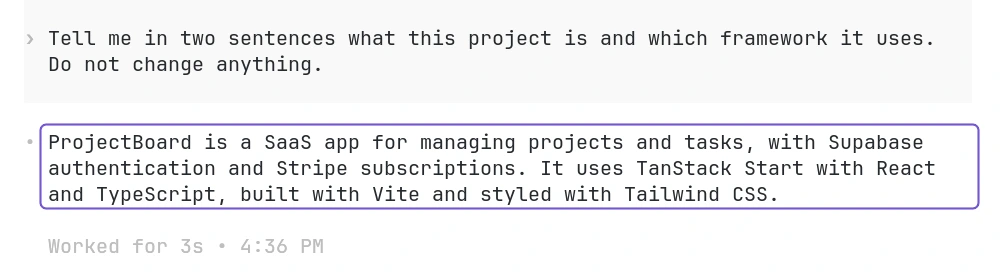
What you can and can't migrate from Lovable
Comes with your code
- Your frontend code
- Supabase migrations and Edge Functions saved in your repo
- Images and other static files
You'll set this up
- Your app settings and API keys
- Your server, with PanelAlpha Engine running the app
Stays with Lovable
- The visual editor and AI chat
- Lovable hosting (your app stays online until you move your domain)
- Lovable's one-click publishing
Common problems
The app loads but cannot reach Supabase
Fix: The .env file is missing or the variable names are wrong. Compare them with the ones in the Supabase dashboard under Project Settings, API Keys. Deploy again after changing .env.
Login redirects back to the Lovable URL
Fix: Supabase still has the Lovable address as Site URL. Set it to the address of your app on the server and add that address to Redirect URLs in Authentication, URL Configuration.
Lovable overwrites your local changes
Fix: The GitHub sync is still on. Either pull before each session and push after, or disconnect GitHub in Lovable when you are done with it.
Questions
Do I need to code?
No. You paste prompts into your AI tool. In a terminal you also run a few commands. The AI writes the code and PanelAlpha Engine runs the app.
What is PanelAlpha Engine?
Software you install on your VPS. It builds and runs your app and gives it an address with HTTPS. Your AI tool connects to it, so you deploy with a prompt.
Which AI tool should I pick?
Any of the three works. Claude Code and Codex run in their desktop app or in the terminal. Cursor is an editor. The steps change with your answer.
Does the app go offline during the move?
No. It keeps running on Lovable until you point your domain to the server.
Will I lose my data?
No. Nothing in the guide deletes data. If your plan moves the database, you copy it and the original stays where it is. Export a backup first anyway.
How many steps will I have?
It depends on your app. A static site has 9. An app that leaves Lovable Cloud with its data, logins and domain has up to 19. Your plan only shows the steps that apply to you.
Can I go back to Lovable?
Yes. As long as the GitHub sync is connected, Lovable pulls your commits. If you disconnected it, Lovable cannot connect to the same repository again. It creates a new repository, and you move your newer code into it.
Articles for this move
All guides VPSYour app on your server, the editor stays at LovableVPSCancel last, delete neverEverything to check before you switch