


 Join us on Discord













Move from v0 to your own VPS, step by step
Connect your v0 project to your own GitHub repository and run the Next.js app on your own server with PanelAlpha Engine. Your database stays where it is. You keep building with Claude Code or Codex.
What you'll do during the migration
Your migration is split into four stages, with step-by-step instructions, detailed explanations and practical examples.
Your setup
Pick your AI tool and tell us what your app uses.
Preparation
Get GitHub, Node.js, the Vercel CLI, your AI tool and a new VPS ready.
Migration
Follow 11 to 16 steps, depending on your app. Each shows you what to do and how to check it worked.
- Push the project to GitHubConnect the v0 project to GitHub and let v0 create a private repository.
- Get your code onto your computerCopy the private repository to a folder on your computer.
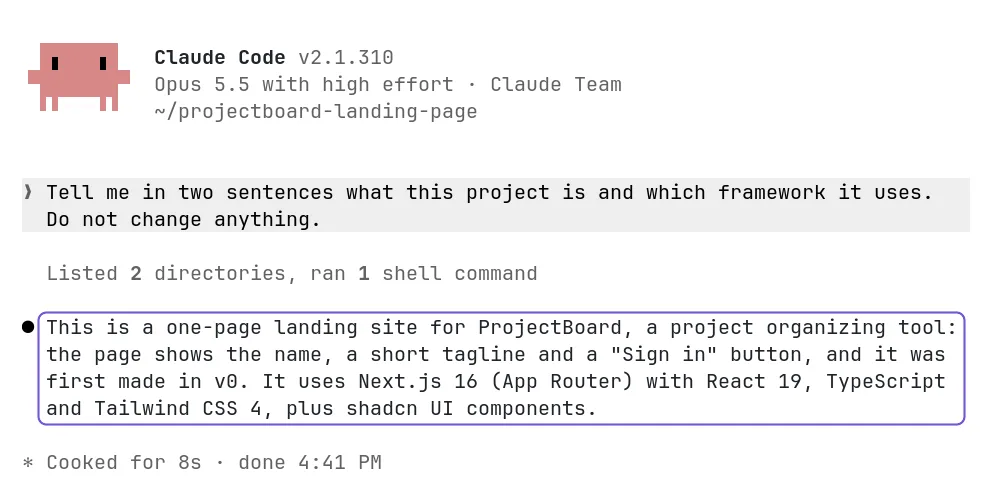
- Open the project in the Claude appOpen the project folder in the Code tab of the Claude app.
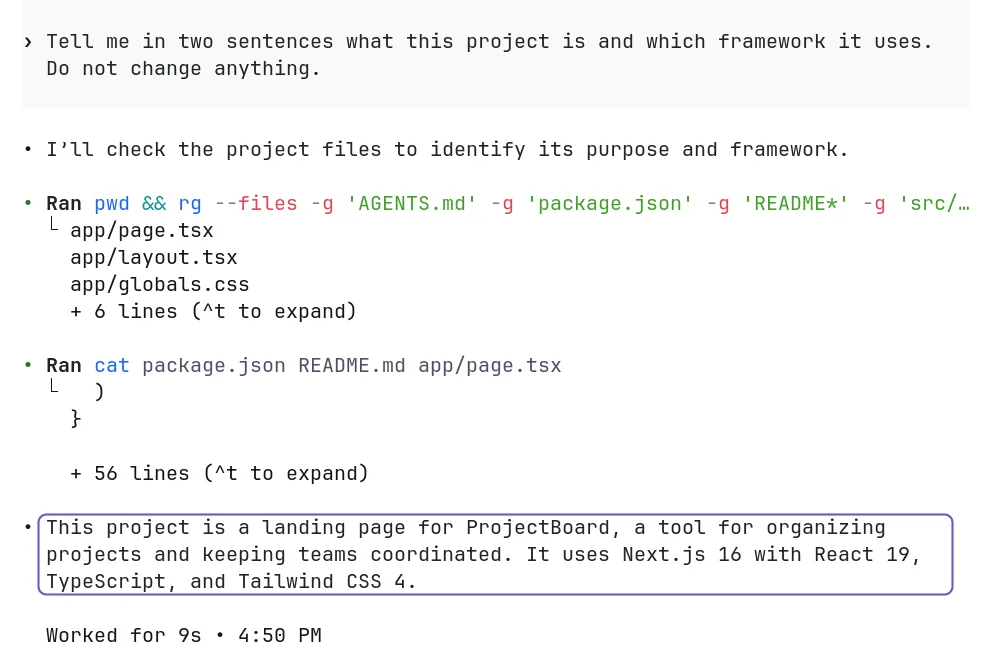
- Open the project in the Codex appAdd the project folder to the Codex app and start a thread in it.
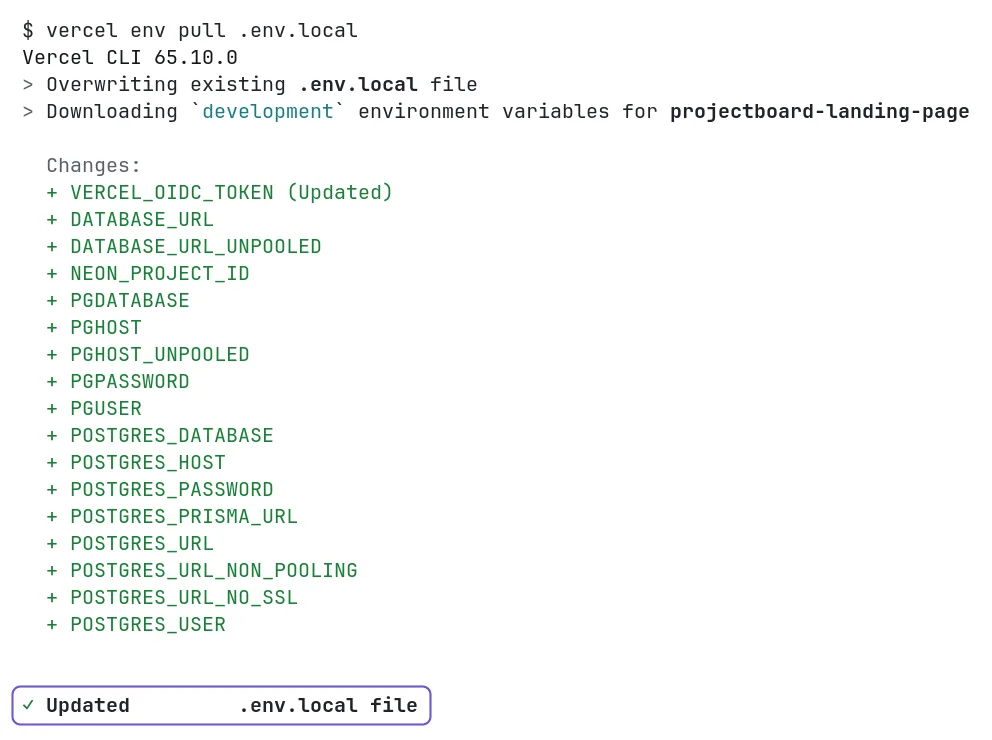
- Copy your environment variablesCopy the keys of your app from Vercel into a .env.local file on your computer.
- Run your app on your computerInstall what the app needs and start it on your computer.
- Open the project in Claude CodeStart Claude Code in the project folder in a terminal.
- Open the project in CodexStart Codex in the project folder in a terminal.
- Check where your data livesFind out which database and login service the app uses.
- Make logins work on your computerAdd your local address to the login settings in Supabase, so links in login emails work on your computer.
- Make AI work on your computerCheck that the AI key of your app is on your computer too.
- Tell Claude Code about your projectClaude Code writes a CLAUDE.md, a short note it reads at the start of every session.
- Tell Codex about your projectCodex writes an AGENTS.md, a short note it reads at the start of every session.
- Send your changes to GitHubPush your changes so the new host builds the latest code.
- Run your app on your own serverYour AI tool deploys the app on your VPS through PanelAlpha Engine, with HTTPS.
- Deploy every push automaticallyAdd a GitHub webhook so every push deploys the app on your VPS.
- Make AI work on your serverGive your server the AI key, because the Vercel login of the AI Gateway works only on Vercel.
- Make logins work on your new addressAdd the new address to the login settings in Supabase.
- Point your domain to the new hostChange your domain's DNS records so the domain opens the new host.
- Keep your code in sync with v0Merge the v0 pull requests and pull before you work, so v0 and your AI tool stay in sync.
- Stop using v0Keep the code in your repository and stop starting new chats in v0.
- Turn off the app on VercelRemove the domain from Vercel once the app works on your server.
Final check
Test everything before switching. Your app stays online on Vercel until you're ready.
What server you need
- A new VPS with nothing else on it, running Debian 12 or 13, or Ubuntu 22.04, 24.04 or 26.04.
- 2 GB of RAM or more and a public IPv4 address. A VPS like that costs about $5 to $15 a month.
- Root access over SSH. Most hosting companies also have a console in the browser.
- Nothing else. PanelAlpha Engine builds and runs the app and gives it an address with HTTPS.
- Your domain, if the app should run on it. You point it to the server at the end.
What the steps look like
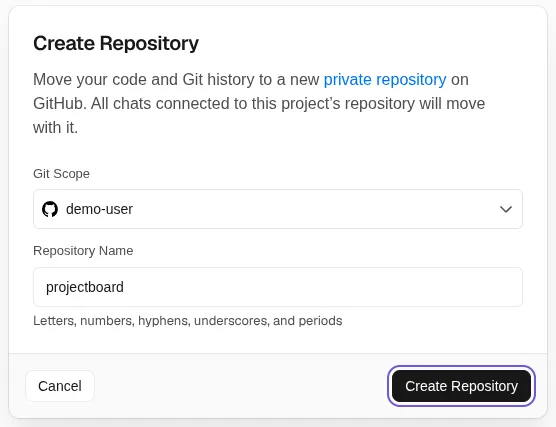
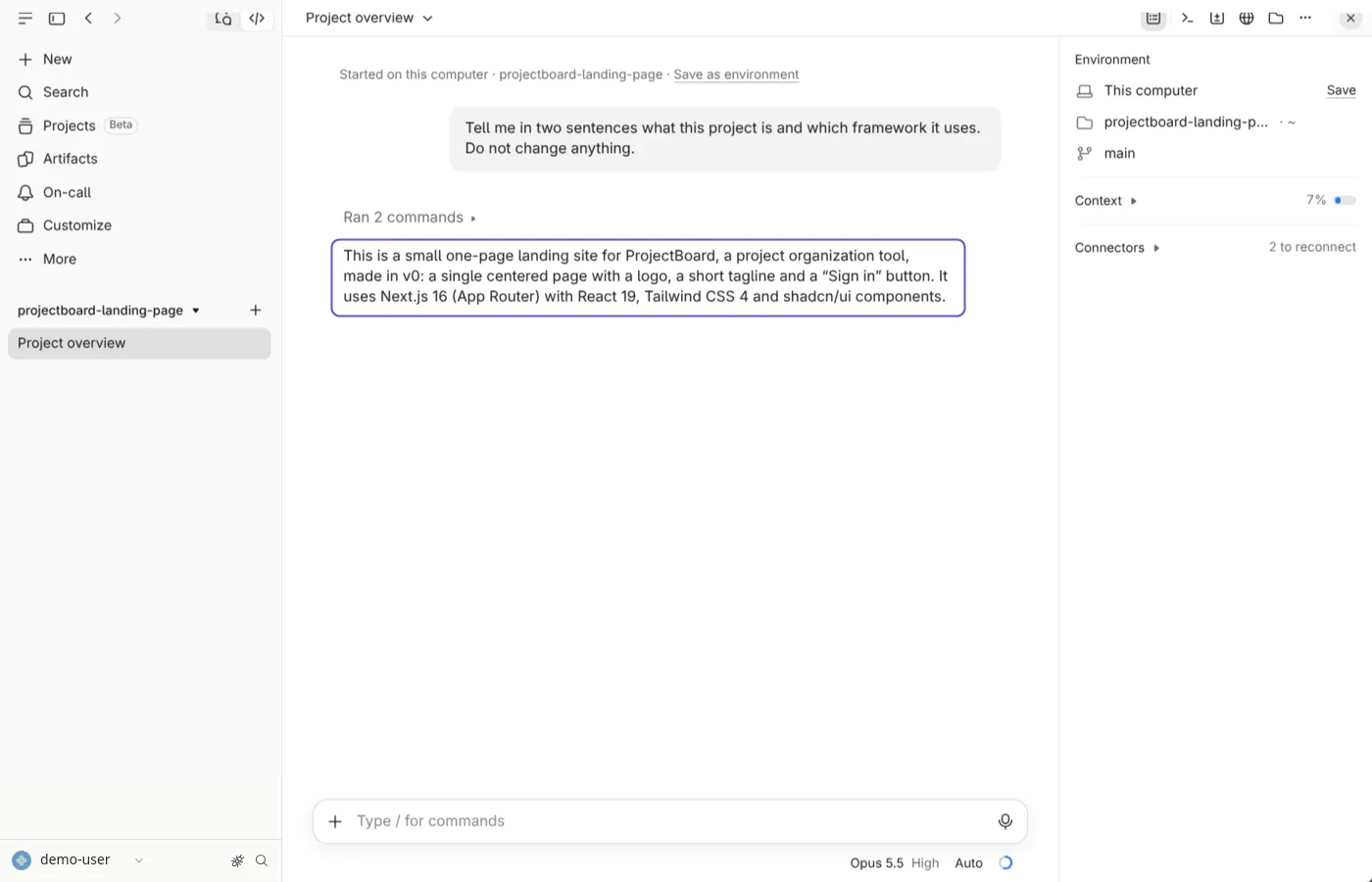
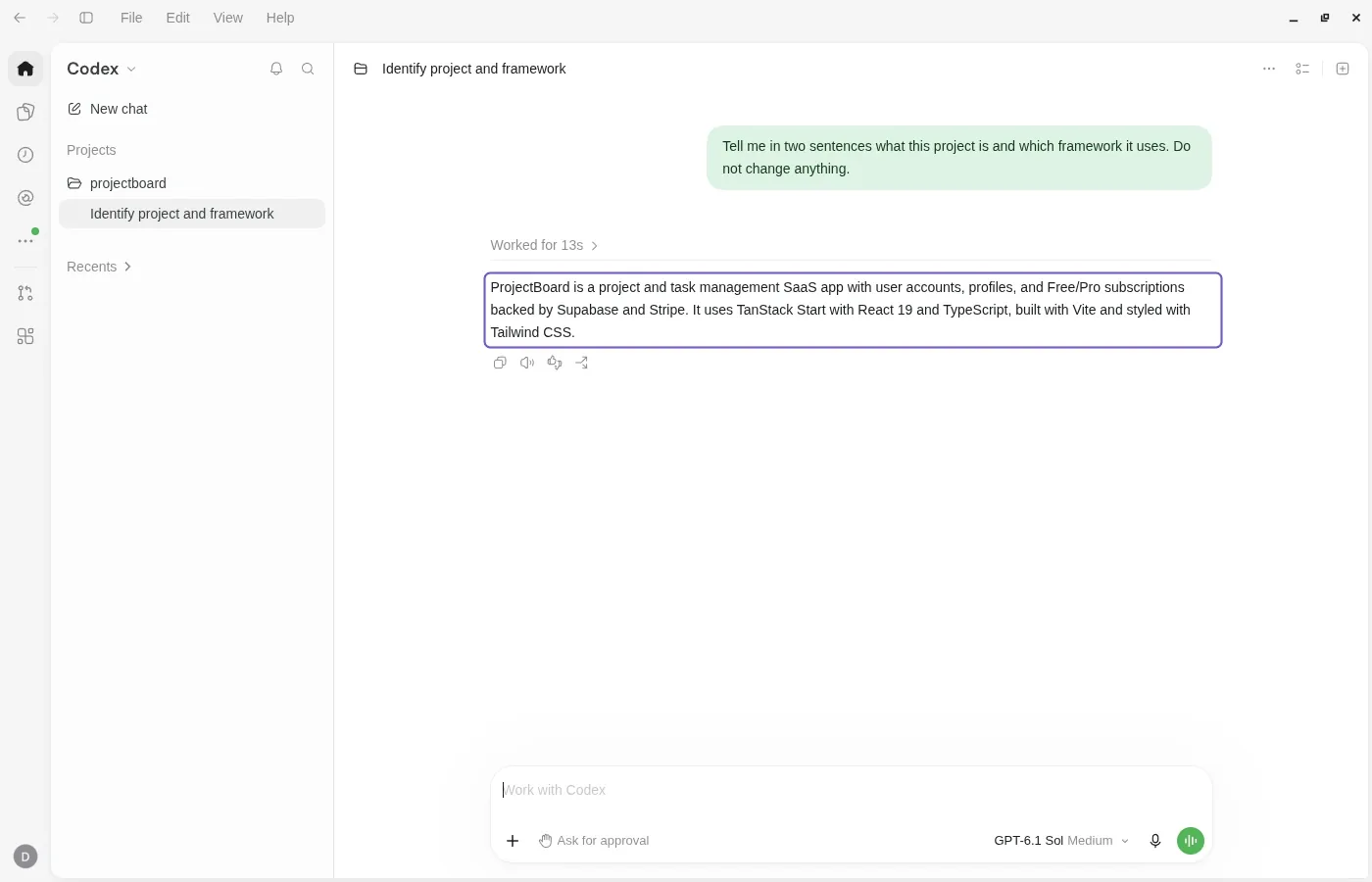

What you can and can't migrate from v0
Comes with your code
- Your Next.js code
- Images and other static files
You'll set this up
- Your environment variables on the server
- An AI key, if the app used the Vercel AI Gateway
Stays with v0 and Vercel
- The v0 editor and AI chat
- The vercel.app address
- Databases billed through Vercel
Common problems
Data does not load on the server
Fix: An environment variable is missing on the engine. Compare the names with .env.local and add the missing ones.
AI features fail on the server
Fix: The Vercel AI Gateway logs in on its own only on Vercel. Give the engine an AI Gateway API key or the key of your AI provider.
Login sends people back to Vercel
Fix: Supabase still has the Vercel address as Site URL. Set it to the new address in Authentication, URL Configuration.
Questions
Do I need to code?
No. You paste prompts into your AI tool. In a terminal you also run a few commands. The AI writes the code and PanelAlpha Engine runs the app.
Does my database move?
No. v0 adds databases through Vercel, and they run in your own account at that service. The app on your server uses the same database.
Can I still use v0?
Yes. v0 and your AI tool edit the same code through GitHub. Your server deploys what you push to the main branch.
Does the app go offline during the move?
No. It keeps running on Vercel until you point your domain to the server.
How many steps will I have?
It depends on your app. An app without a database has 11. An app with logins, AI and a domain has up to 16. Your plan only shows the steps that apply to you.
Articles for this move
All guides VPSYour v0 app on your own server
 Your v0 keys on your computer
 v0 to a repo you own