


 Join us on Discord













Move Lovable auth to your own Supabase project
When the backend leaves Lovable Cloud, your users come with it. The export holds the user accounts with their password hashes, so users keep their passwords. They only have to sign in again. The login settings do not come with the export. You set them again.
What moves and what you set again
| Part | In the Lovable export | What you do |
|---|---|---|
| User accounts | Yes, with password hashes | Nothing. They move with the database |
| Sign-in providers | No | Turn on the same ones in Supabase |
| Site URL and redirect URLs | No | Set them again in Supabase |
| Google or GitHub login | No | Change the redirect URL at the provider |
1. Restore the export
The accounts are part of the database export. Export the data from Lovable Cloud and restore it into your new Supabase project. Move Lovable Cloud to your own Supabase project has every step.
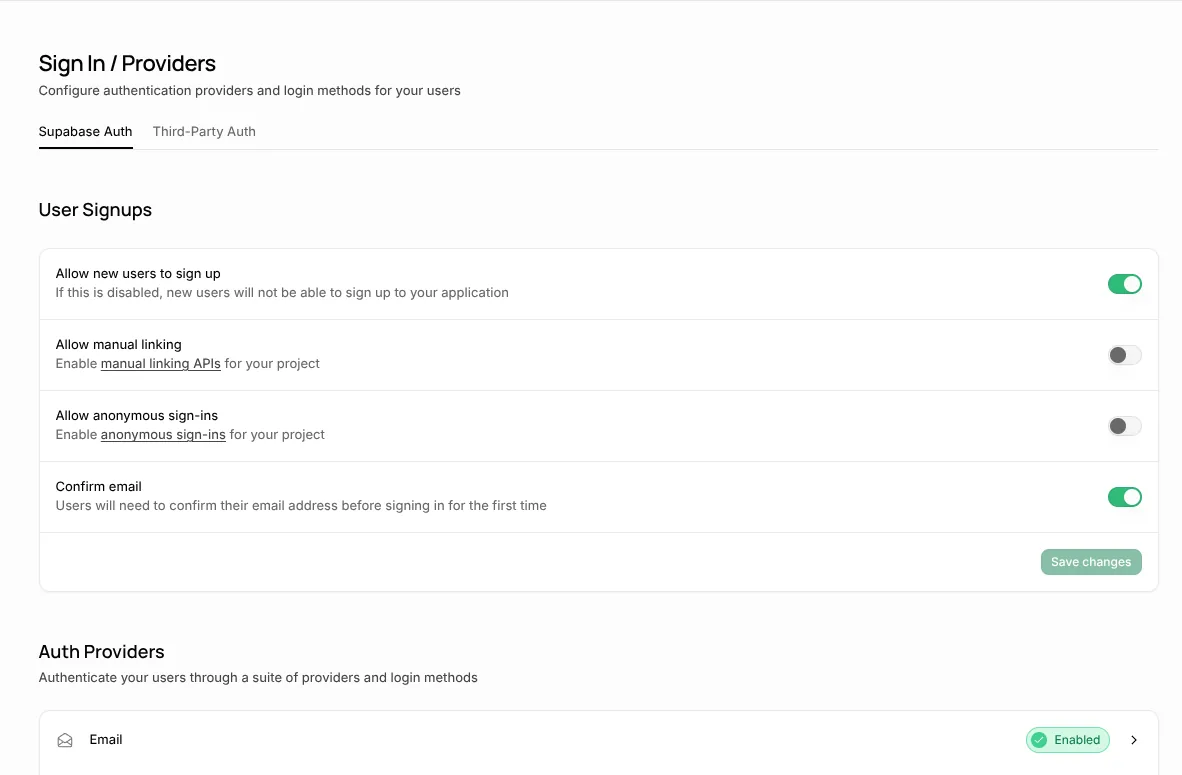
2. Turn on the same sign-in providers
In Supabase go to Authentication and turn on the same sign-in providers as in Lovable Cloud.
3. Set the Site URL and redirect URLs
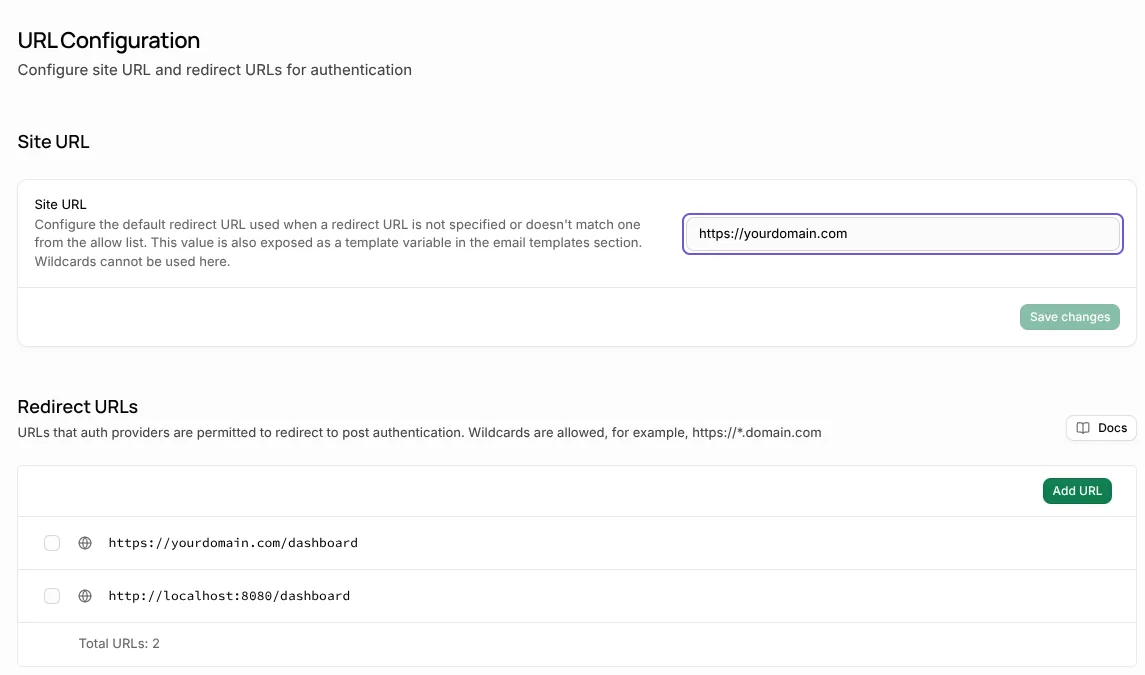
In Supabase go to Authentication, URL Configuration. Set the Site URL to the address of your app and add it to the Redirect URLs. Without the redirect URLs, logins fail after the move.
| Setting | Value |
|---|---|
| Site URL | Your new address, for example https://yourdomain.com |
| Redirect URLs | Every page people can land on after login, for example https://yourdomain.com/** |
| Redirect URLs for local tests | The local address your app prints when it starts |
4. Change the redirect at Google or GitHub
If people sign in with Google or another provider, change the redirect URL in that provider's settings to your new Supabase project.
5. Test with a real account
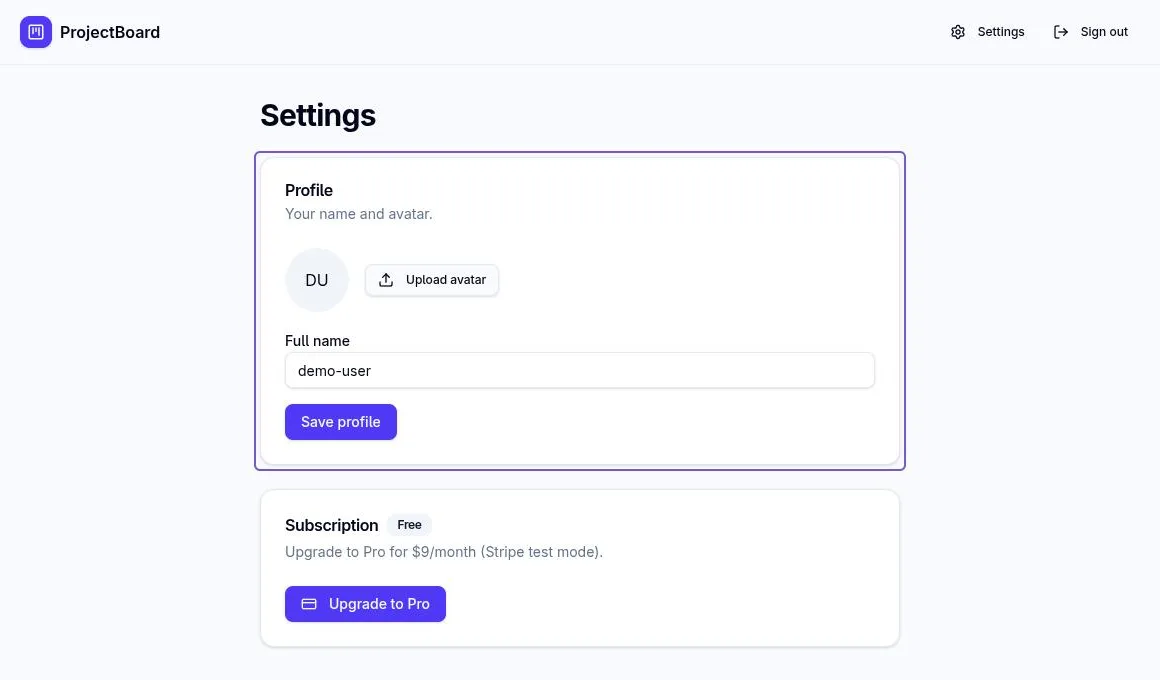
Use a real account from the live app, not a new one. Log in, reload the page, then log out and log in again. You should stay logged in after the reload and get back into the app each time.
Sources
- Lovable docs: Lovable Cloud
- Lovable docs: Advanced settings and Export data
- Supabase docs: Redirect URLs